In this article
Archive note: Hosting prices, plans and product features below describe the original 2020 article.
Hi there fellow WordPressers, Digital Marketers & Developers,
I've been a WordPress Developer & Cloud Engineer for the last 3 and 5 years respectively consulting at Siteroo.com.au (and finding the lowest cost but at performant services) and can confidently say if you're serious about WordPress hosting, you should be considering a managed WP hosting provider, specifically, Cloudways, here's why.
I have examined top managed WP providers like Siteground (shared hosting has a huge 1-2 second FTTB (First time to byte - how long it takes for the first byte to reach you from a server - First Time To Paint is even more important, generally determined by your theme's performance) - my free GCP US server was serving faster than Siteground in Australia, hah), Hostinger (also shared hosting, no staging as of June 2020), Flywheel, WP Engine, Kinsta ($AUD 46/m for a mere 3GB storage), Pressable, WordPress.com (All with Premium pricing, WordPress.com the next cheapest after Cloudways) and have come to the conclusion that Cloudways on Vultr or Linode is your cheapest option for a Sydney server. Digital Ocean also has servers in Singapore for a similar price point.
Shared hosting vs VPS vs Dedicated hosting vs Cloud Platform hosting vs a Managed WordPress Host
Shared hosting - Host 100s of websites on one powerful server but the resources are being shared by 20-30 or so customers running multiple websites (this is how the cost becomes so low per month), this proxying of traffic to various web (LXD) containers on the same server causes a heavier bottleneck and your CPU is divided into seconds of usage along with RAM, PHP processes/workers and network bandwidth all being shared.
VPS - Virtual Private Server hosting means your entire server is virtually running on a powerful dedicated server (different to many web containers running on one physical dedicated server, but similar concept!), but you get full control of this virtual server and runs very much the same as if you were controlling a dedicated physical server however, will be capped at lower specification than a dedicated server (e.g. 1GB RAM, 1 core, 10-25GB storage to start with to many cores and GBs of RAM). VPS are often very cheap to run. $10-50 or so dollars a month depending on specs. Examples include Digital Ocean, Vultr, Linode, Cloudways.
Dedicated Hosting is very much the most expensive and traditional hosting setup where you rent out or buy actual physical servers and are responsive for managing it. At managed hosting companies they will manage the setup and sometimes even updates. Dedicated hosting is too expensive and not needed for the majority of websites out there. Only companies like Google & Facebook usually require these setups and have hordes of people to manage them.
Cloud Platform hosting are basically VPSs running inside a cloud environment. some examples include GCP, AWS & Azure. They also offer Dedicated hosting to enterprise companies which require these setups, so these environments are designed to cater for a one platform fits all approach but often they don't cater to any specific optimisations like WordPress managed hosts do. Everything is left to the user to optimise or to use Cloud Marketplace images like Bitnami which still requires a bit of manual work to setup and maintain, especially with security updates. I wouldn't recommend this option to Freelancers/Consultants, Agencies or non-tech people.
Managed WordPress Hosting
Managed WP hosts are a relatively new breed of hosting platforms dating back to around 2011-2013 which aim to host specifically for WordPress itself and include a whole range of features designed to make WordPress hum along smoothly such as:
The most crucial factors for going with a managed WP host are the managed server security updates, automated backups, one click restores, one click deploys, SSL, 24/7 Support, 24/7 real-time monitoring, CDN, page caching and staging (a huge factor for working with any site).
Why is staging important?
Put simply it allows you to push any change to a secondary (not shown to your visitors) test server first so changes can be tested, whether it's a simple plugin or theme update (which haver brought down my site before) to more extensive changes, you definitely want to be pushing changes to staging first vs doing it solely on a production/live server. Once the changes are successfully validated on a staging server you can click a button to push to your live site. Hopefully everything continues to hum along fine.
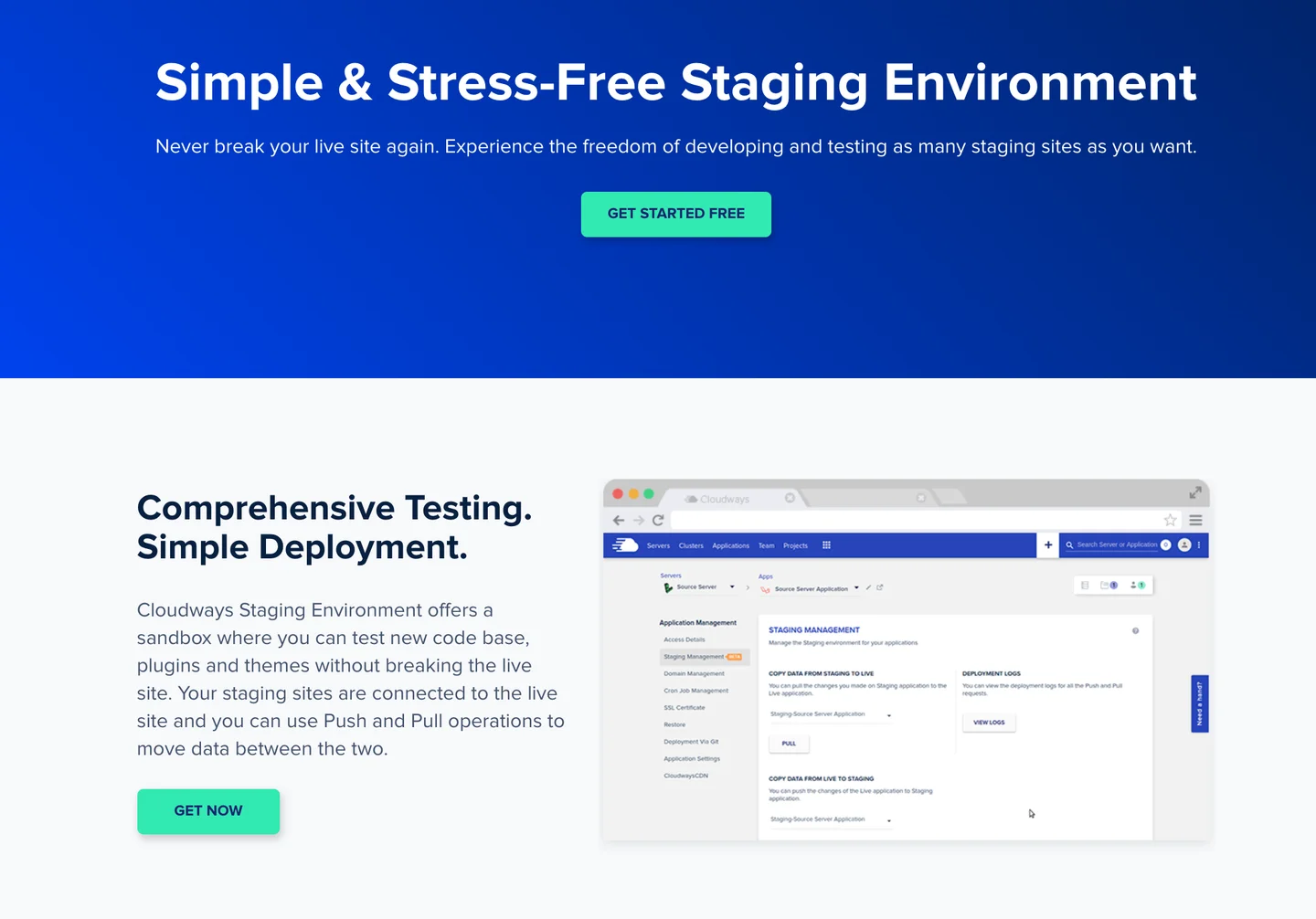
I highly recommend to sign up to Cloudways today on their Vultr, Linode or Digital Ocean options as the cheapest and safest way to run your professional WordPress site today with minimal to no downtime and slow downs.
Thanks for reading. About reader stats
View the original discussion on LinkedIn ↗






Join the conversation
Comments and reactions use GitHub. Sign in to join in, and keep the discussion thoughtful and respectful.
View discussions on GitHub ↗